
AI Outfit Generator
Restyle any photo in seconds — our AI Outfit Generator swaps clothes while keeping faces, poses and lighting true to life. Try it free online.
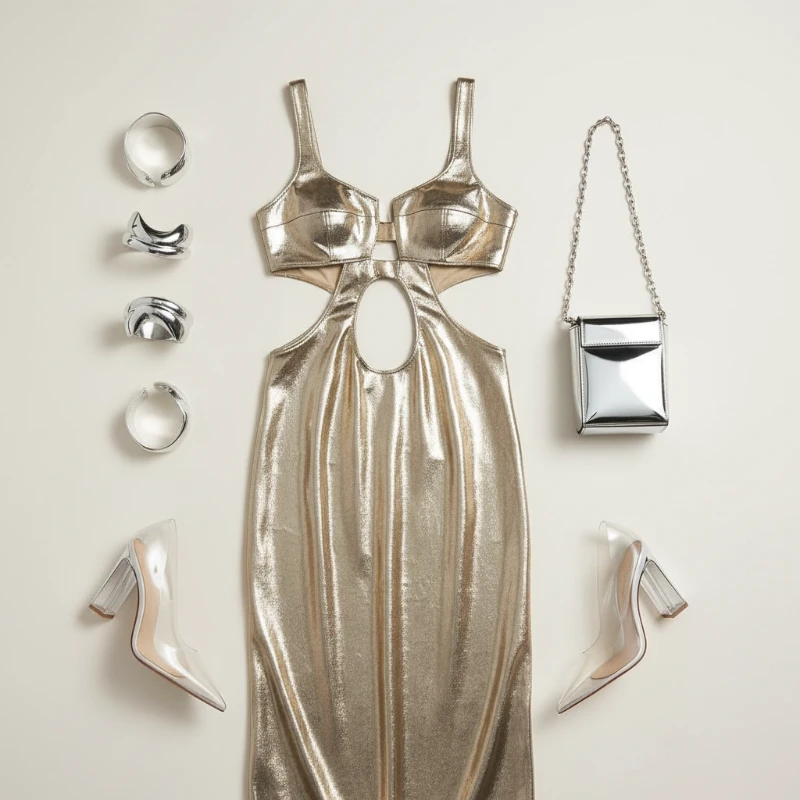
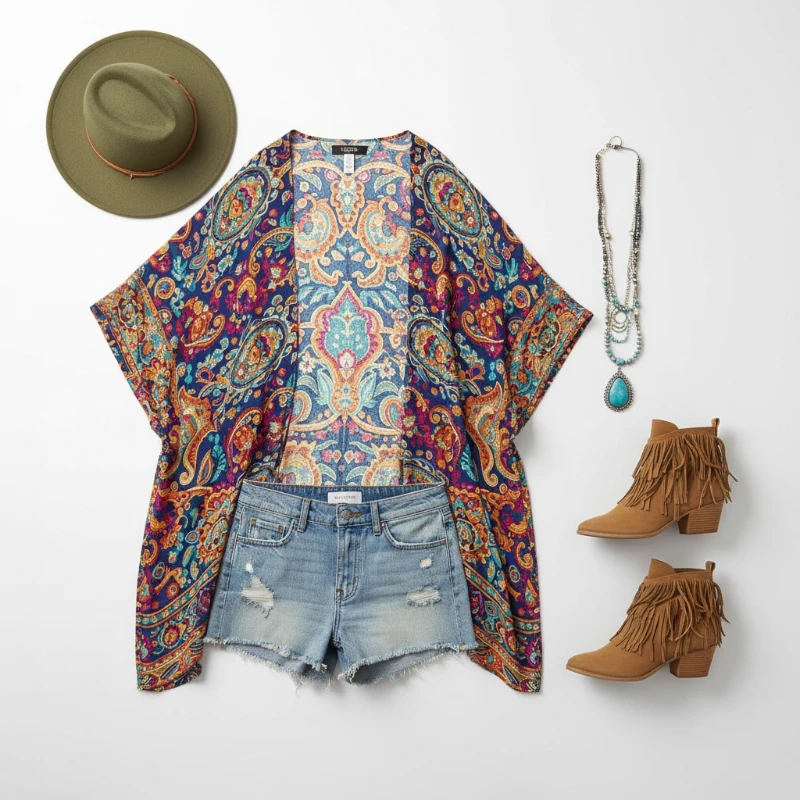
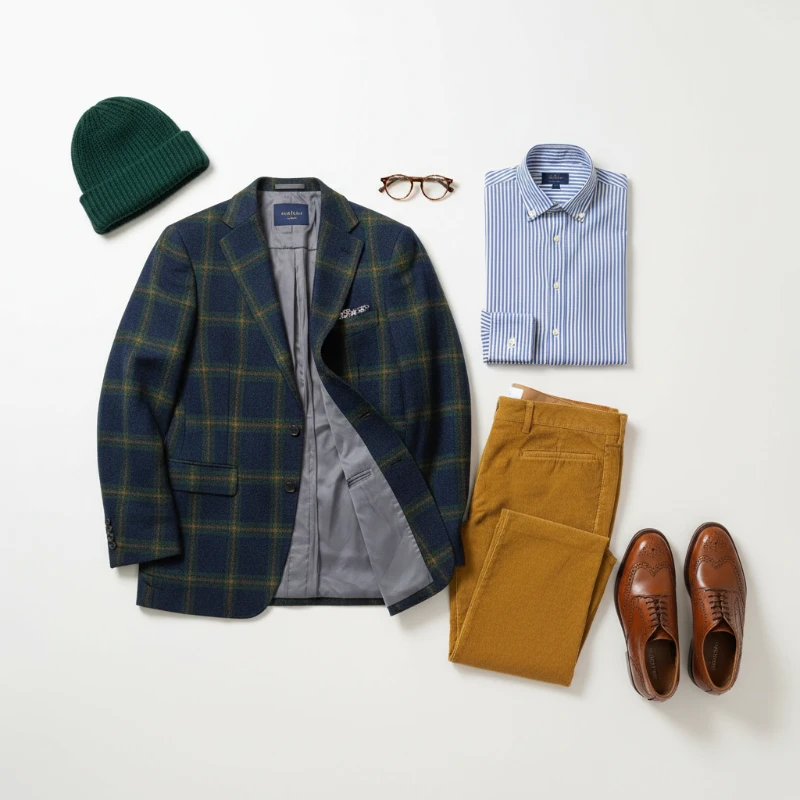
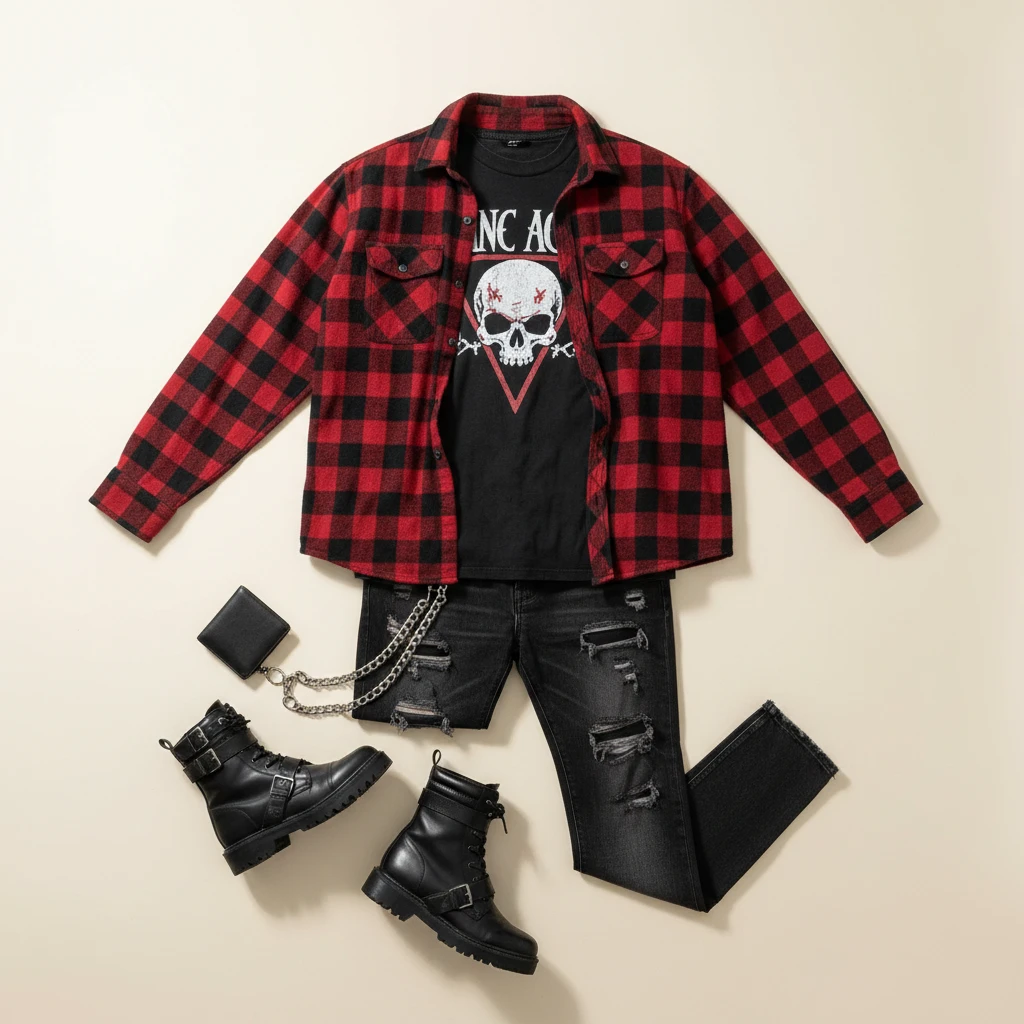
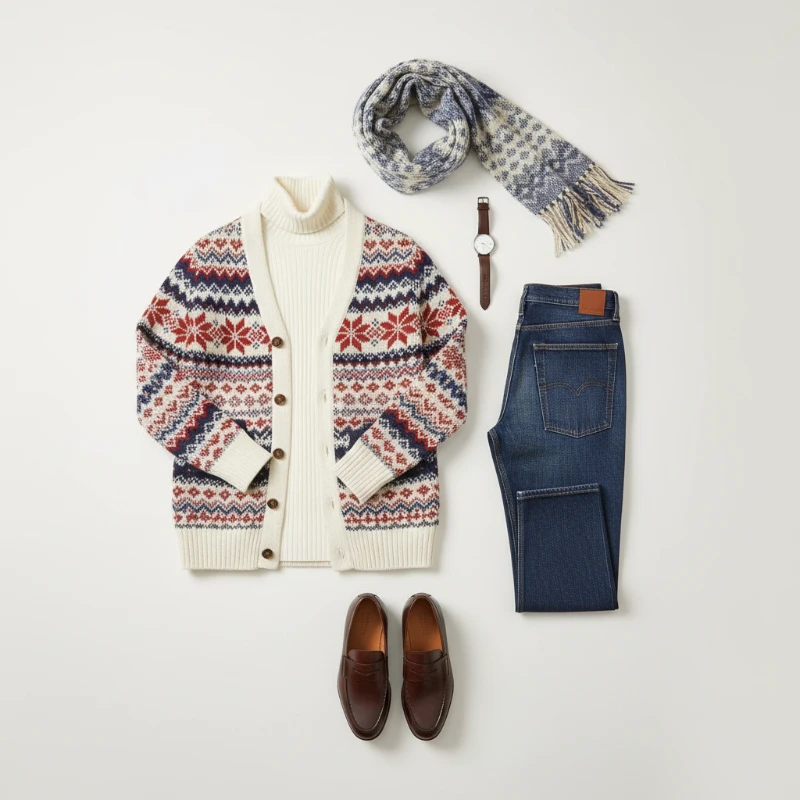
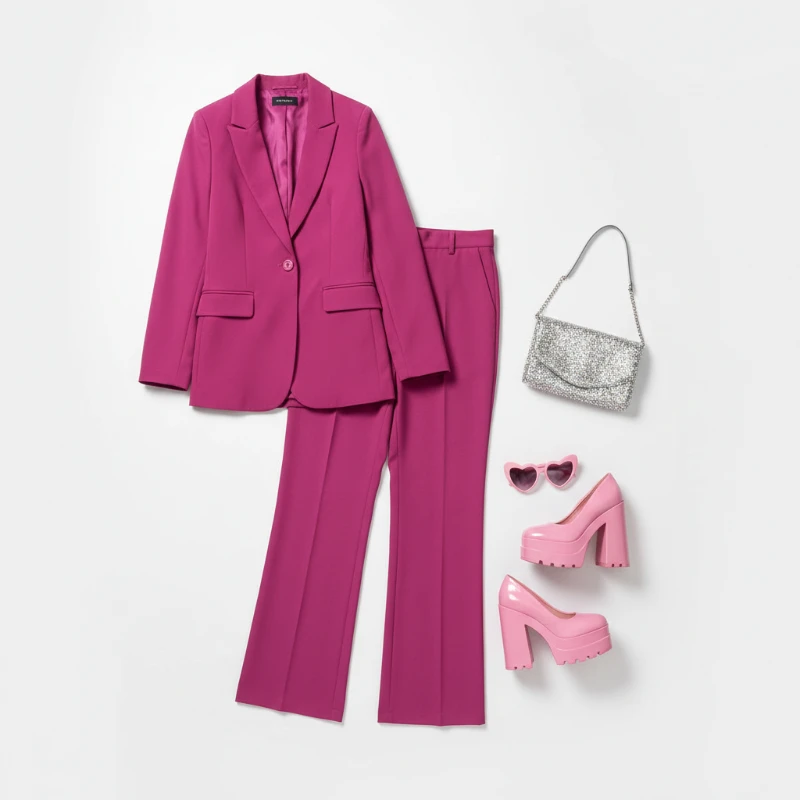
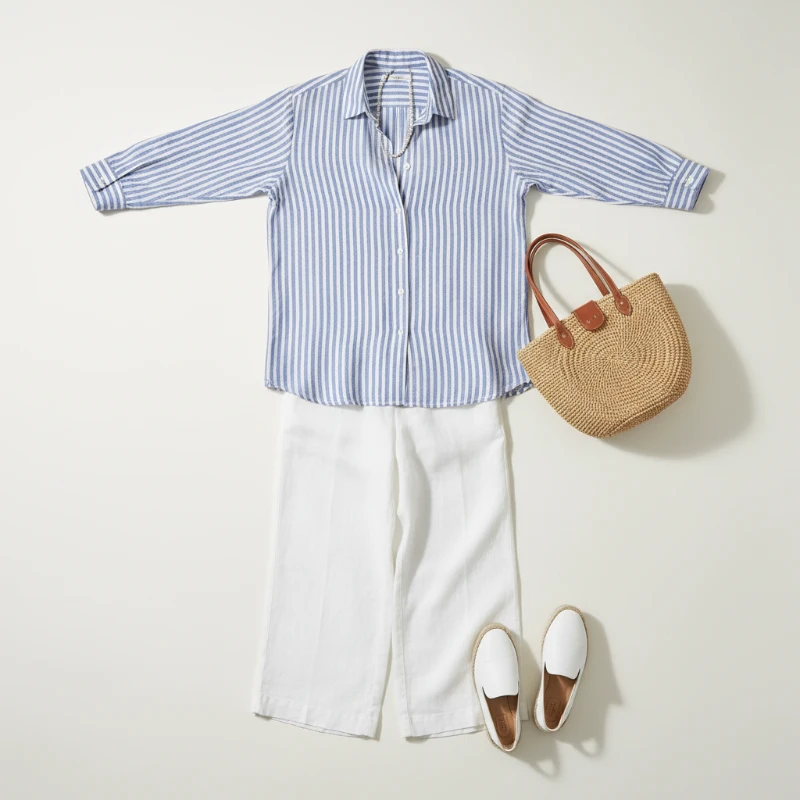
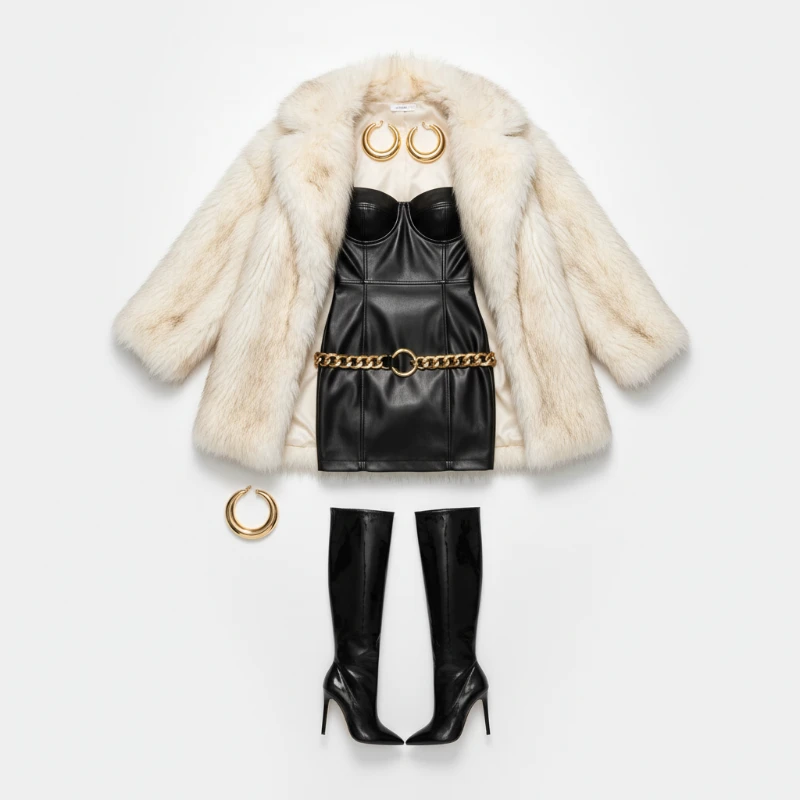
Feedback
AI Creative Tools
Explore AI creative tools

Free AI Image
Truly Free AI Image Generator

AI Image Editor
AI Photo Editor Online

Image Upscaler
Enhance image resolution effortlessly

AI Color Changer
Transform photo colors in seconds

AI Room Designer
Design your dream room with AI-powered 3D rendering

Skin Enhancer
Enhance skin texture naturally with AI
Face Editor
Enhance face texture naturally with AI

AI Clothes Changer
What You Can Do With the AI Outfit Generator
Swap garments in any picture with one click. Our AI Outfit Generator keeps faces, poses and shadows untouched, so every edit still looks completely natural.
- True-to-Life Clothing SwapsGarments are redrawn to follow your body, posture and lighting, so a new look never feels pasted on.
- Seconds, Not HoursRework an entire outfit in under two minutes and keep experimenting until the style feels right.
- Crisp, Detailed OutputFabric folds, seams and textures stay sharp, with edges that melt smoothly into the original shot.
Why Choose AI Outfit Generator
Natural swaps, quick processing, and easy sharing with AI Outfit Generator.
How the AI Outfit Generator Works — 3 Simple Steps
Pick a picture, choose a preset look or upload the garment you want, then let the model redraw the outfit. Save the finished image in minutes, with no editing skills required.
What Our AI Outfit Generator Does Best
From faithful clothing swaps to precise style control, here is what this tool delivers on every edit — fast, on desktop or phone.
Faithful Swaps
New clothes are rebuilt around your actual body shape, so proportions always stay believable.
Precise Style Control
Adjust silhouette, colour and fit until the look matches the mood board in your head.
Seamless Blending
Light, shadow and grain from the original shot are kept, so the garment sits naturally in the scene.
Quick Turnaround
Results arrive in a minute or two, sized for phone screens and social feeds.
High-Resolution Results
Export sharp images that hold up in print, on product pages or inside ad creative.
Simple Workflow
Upload, choose, download — three steps, with no layers, masks or manual retouching.
AI Outfit Generator: Your Questions Answered
Everything worth knowing before your first swap — photo tips, processing times, download options and how credits work.
What exactly is an AI Outfit Generator?
It is an online tool that redraws the clothes on a person in a photo while leaving their face, body shape and pose untouched.
Which photos give the best results?
Sharp, well-lit shots where the body is clearly visible. A simple background and a front-facing pose help the most.
How long does one edit take?
Usually one to two minutes. Busy periods can add a short wait, and very detailed prompts may take slightly longer.
Can I save and reuse the images?
Yes — every finished edit can be downloaded at full resolution for social posts, lookbooks or product pages.
Do I have to pay to try it?
You can test the tool with free credits. Paid plans unlock more generations, faster priority processing and extra features.
What makes this better than manual retouching?
Instead of hours of masking and colour matching, you get a believable outfit change in a couple of clicks — handy for fashion content, e-commerce and profile pictures.
Try the AI Outfit Generator on Your Own Photo
Upload a picture, choose a style and watch the transformation. No downloads, no design skills — just one realistic outfit change after another.