
AI Virtual Try On
See how outfits look on your own photo with AI Virtual Try On. Achieve lifelike fabric details, accurate lighting, and identity-preserved fit for confident virtual styling.
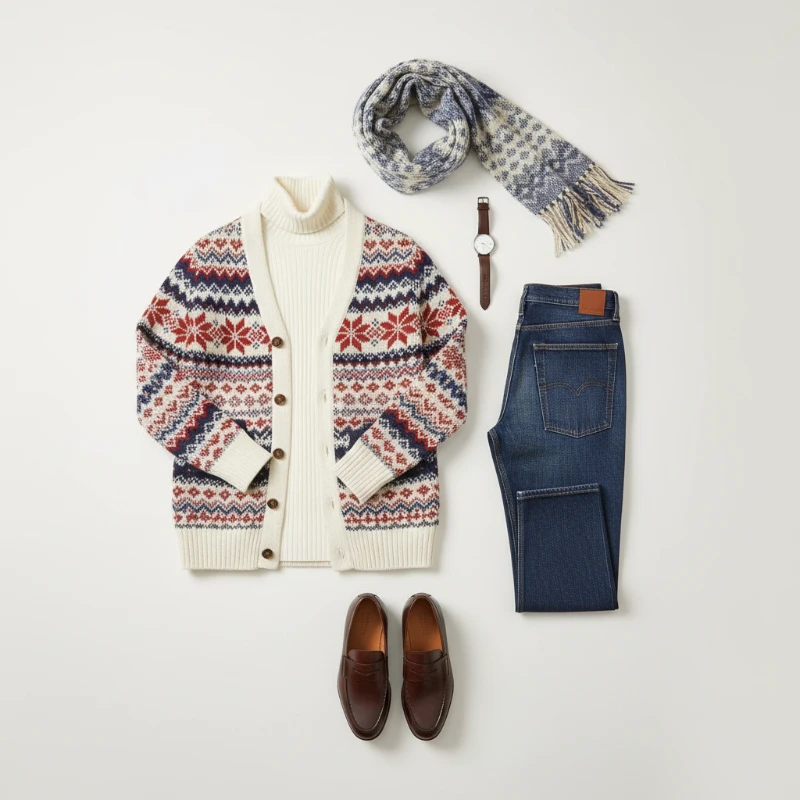
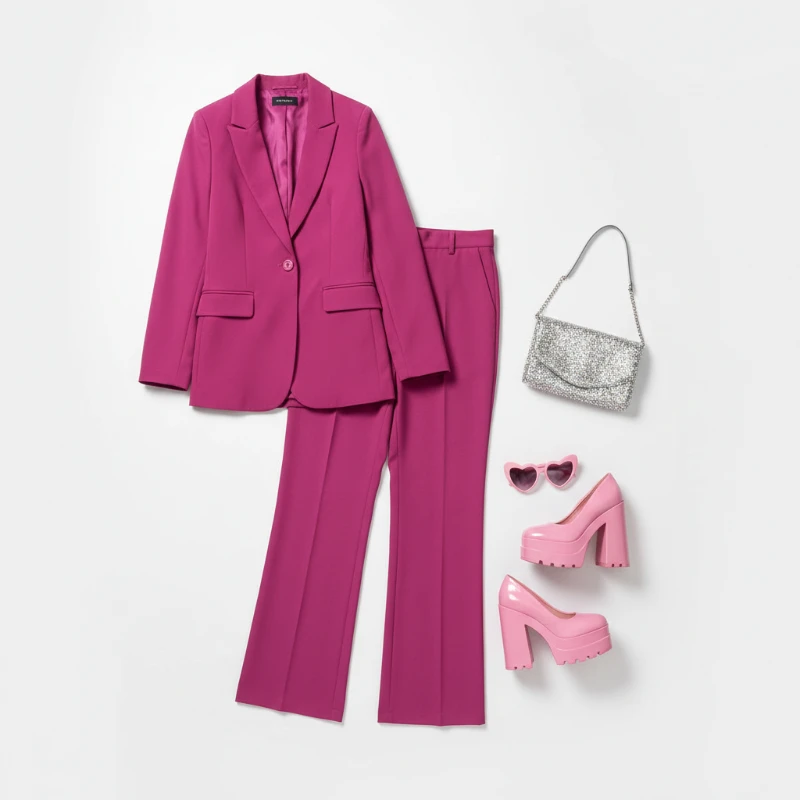
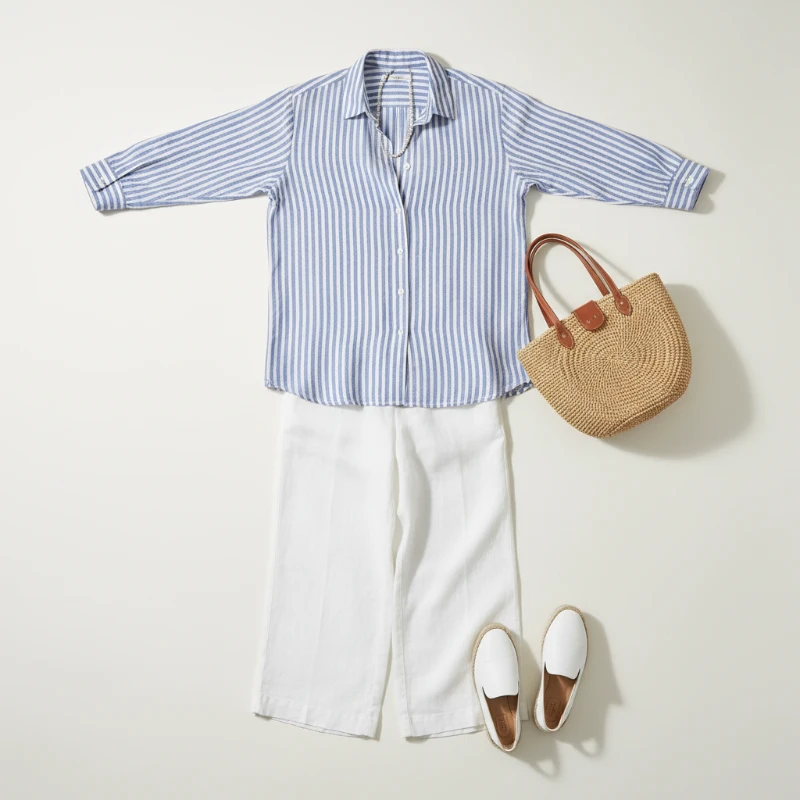
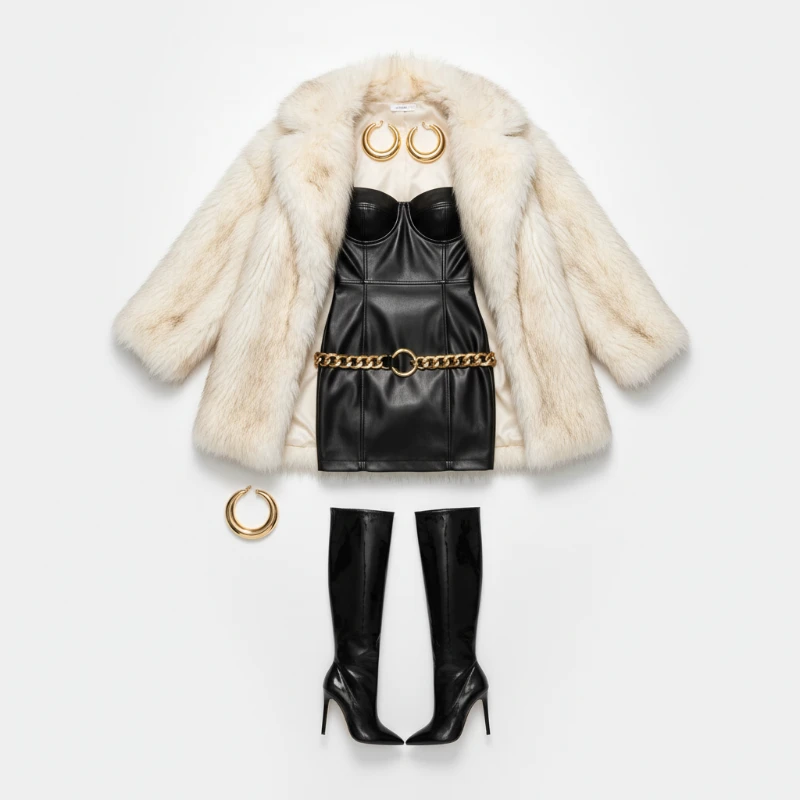
Feedback
AI Creative Tools
Explore AI creative tools

Free AI Image
Truly Free AI Image Generator

AI Image Editor
AI Photo Editor Online

Image Upscaler
Enhance image resolution effortlessly

AI Color Changer
Transform photo colors in seconds

AI Room Designer
Design your dream room with AI-powered 3D rendering

Skin Enhancer
Enhance skin texture naturally with AI
Face Editor
Enhance face texture naturally with AI

AI Clothes Changer
Key Features of AI Virtual Try On
Experience one-click virtual try-on that realistically simulates fit, fabric, and size using AI Virtual Try On technology.
- Lifelike Garment SwapsAI Virtual Try On seamlessly replaces outfits while keeping your identity, pose, and proportions intact.
- Rapid PreviewsGenerate polished try‑on results in seconds, making it easy to compare styles and share.
- Superior Image QualityNatural fabric rendering with consistent lighting produces share‑ready virtual try‑on images.
Why Choose AI Virtual Try On
Accurate fit previews, quick processing, and easy sharing for e‑commerce and social use.
Getting Started with AI Virtual Try On
Three easy steps to use AI Virtual Try On: upload a photo, pick a style or reference image, then preview and save your realistic try‑on.
What AI Virtual Try On Can Do
Experience realistic fit, fine‑grained style control, and fast mobile‑ready try‑on previews, all powered by AI Virtual Try On.
Realistic Outfit Replacements
Swap garments naturally while maintaining your pose and facial features.
Style Customization
Fine‑tune style, color, and fit with precise controls for accurate virtual try‑ons.
Intelligent Blending
Seamless integration keeps lighting, shadows, and fabric texture consistent in AI Virtual Try On outputs.
Fast Turnaround
Optimized for rapid edits on mobile and e‑commerce workflows.
High‑Resolution Output
Publication‑ready try‑on images suitable for product pages and social media.
Streamlined Workflow
Simple upload‑preview‑save loop enables quick iteration.
AI Virtual Try On — Common Questions
Find answers about AI Virtual Try On: how it works, quality, speed, and more.
What is AI Virtual Try On?
It’s a tool that previews outfits on your photo while keeping your identity and pose unchanged.
Which photos work best?
Clear portraits or full‑body shots with good lighting yield the most accurate virtual try‑ons.
How long does it take?
Most try‑ons finish within 1–2 minutes, depending on complexity.
Can I download the results?
Yes — you can download high‑resolution try‑on images for sharing or use on product pages.
Is it free to use?
Free trials are available; premium plans offer extra credits and priority processing.
Why should I use AI Virtual Try On?
Get quick, realistic outfit previews that boost shopping confidence and improve social content.
Try AI Virtual Try On Now
Preview any outfit on your own photos with AI Virtual Try On for realistic fit and style inspiration.