
Photo To Sketch
Turn any picture into a hand-drawn photo to sketch artwork — pencil, charcoal, ink or watercolor — in seconds. Free online tool, no sign-up needed.
Feedback

freeTrialImage.bannerPity
freeTrialImage.upgradeUnlock
- ✓freeTrialImage.benefitHd
- ✓freeTrialImage.benefitWatermark
- ✓freeTrialImage.benefitUnlimited
AI Tools
Explore AI tools
MiniMax H3
MiniMax H3 AI Video Generator
Seedance 2.5
The Future of AI Video Is Here.

Seedance 2.0
The Future of AI Video Is Here.

Veo3.1
Create Stunning Videos with Veo3.1
FLUX 3 Video Generator

Kling 3.0
Next-Gen AI Video Generator
Grok Video Generator
Create Videos from Text or Images with AI
MiniMax H3 video generator
MiniMax H3 AI Video Generator
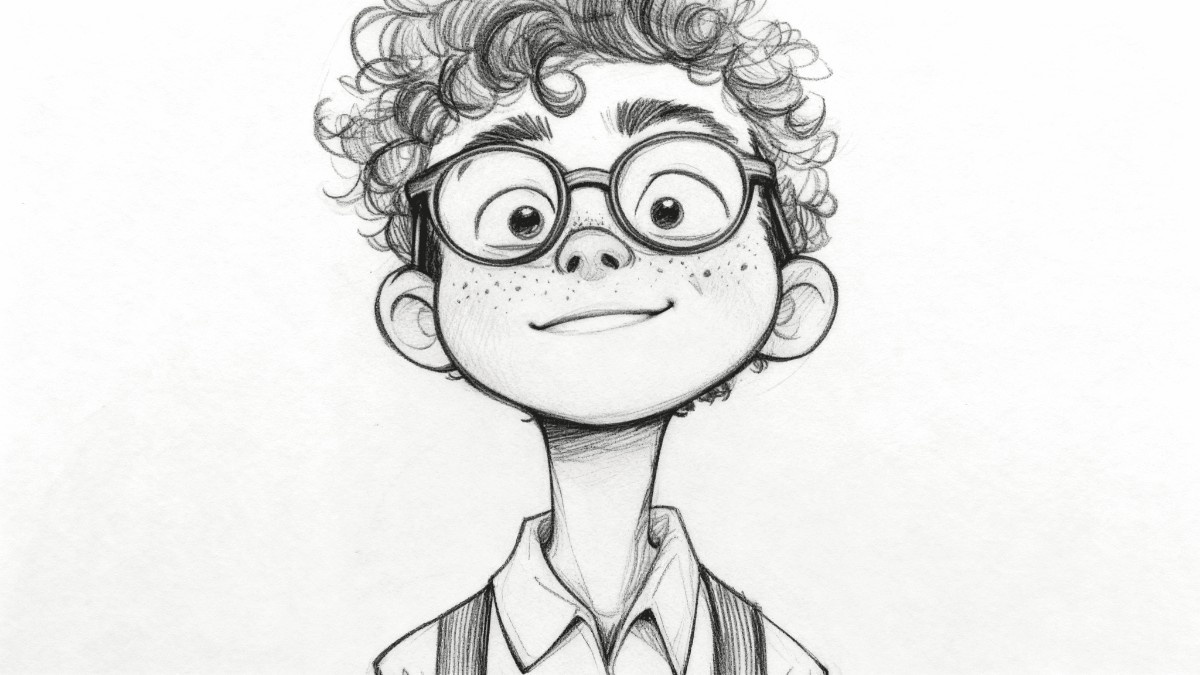
A Closer Look at the AI Photo to Sketch Engine
Feed in a portrait, product shot or pet photo and the engine redraws it in pencil, charcoal, ink or watercolor — perfect for prints, merch and personalized gifts.
- Style VarietySwitch between pencil, charcoal, ink and watercolor looks.
- Rapid RenderingEach sketch is ready within seconds.
- Print-Ready OutputCrisp files sharp enough for posters and canvas.
How to Turn a Photo Into a Sketch in 3 Steps
Upload your image, choose an artistic style, and let the AI handle the drawing — then download the finished sketch or share it straight away.
What the Photo to Sketch Tool Offers
From delicate pencil shading to bold charcoal strokes, plus batch conversion and detail-rich files ready for both print and screen.
Pencil
Soft graphite strokes with lifelike shading.
Charcoal
Deep, dramatic charcoal textures.
Ink
Crisp black line art with no smudging.
Watercolor
Gentle washes of color and pigment.
Batch
Queue a whole folder in one run.
Detail
Facial features and textures stay intact.
Photo to Sketch Questions, Answered
Quick answers on sketch styles, turnaround time, batch jobs, resolution and cost — everything worth knowing before you start converting.
What exactly does this photo to sketch tool do?
It redraws your uploaded image in an artistic hand-drawn style — no editing skills required.
Which sketch styles can I choose from?
Pencil, charcoal, ink and watercolor are all included, with more looks added over time.
Can I convert several photos at once?
Yes. Batch mode lets you queue multiple images in a single session.
Will the sketches be high resolution?
Absolutely. Files keep sharp detail, so they work for both printing and screens.
Do I have to pay to use it?
Standard conversions cost nothing and need no account; paid options unlock higher resolutions.
How long does a conversion take?
Typically just a few seconds per image, depending on queue and file size.
Ready to Turn Your Photo Into a Sketch?
Pick a style, hit convert, and save a high-resolution sketch in seconds — no account, no watermark, no cost.