
AI Photo Upscaler
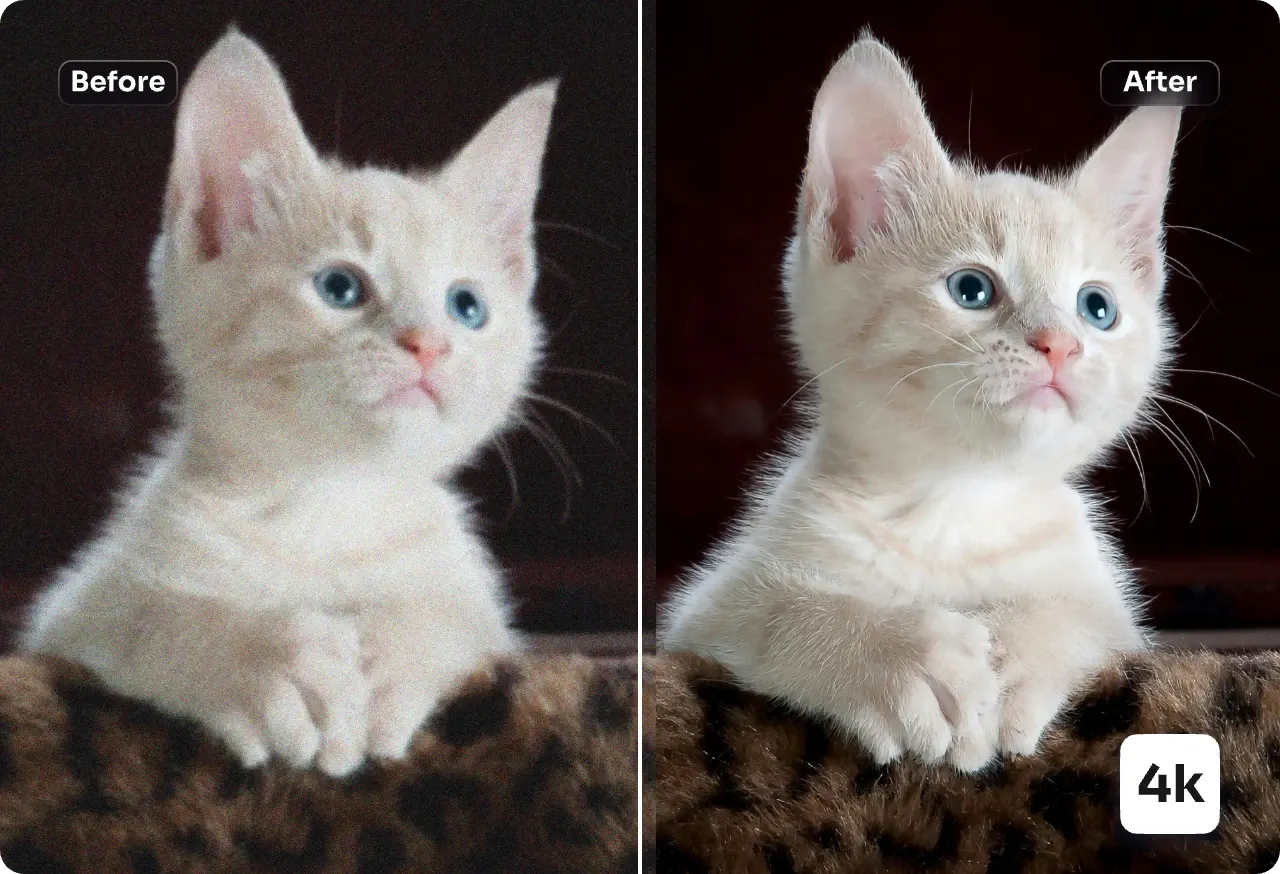
Transform your low-resolution pictures into stunning 4K visuals with our AI Photo Upscaler. It recovers lost details, removes compression noise, and delivers crisp results in one click—ideal for both mobile screens and professional prints.
Feedback
All Tools
Browse AI tools
MiniMax H3
MiniMax H3 AI Video Generator
Seedance 2.5
The Future of AI Video Is Here.

Seedance 2.0
The Future of AI Video Is Here.

Veo3.1
Create Stunning Videos with Veo3.1
FLUX 3 Video Generator

Kling 3.0
Next-Gen AI Video Generator
Grok Video Generator
Create Videos from Text or Images with AI
MiniMax H3 video generator
MiniMax H3 AI Video Generator
Introducing the AI Photo Upscaler: What You Need to Know
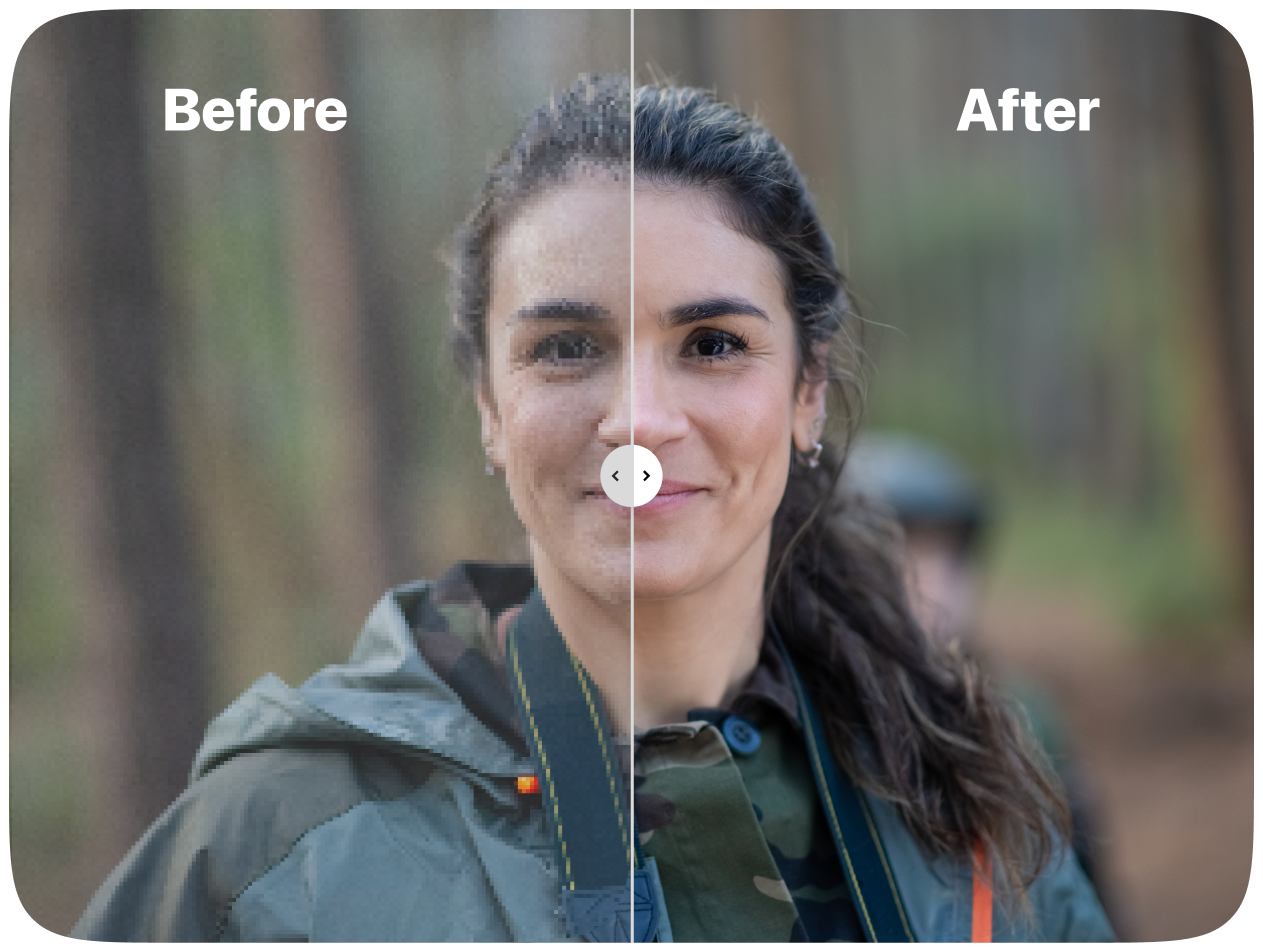
This intelligent upscaling model takes low-resolution images and dramatically improves their clarity. It preserves critical details like facial features, sharp edges, and product textures while eliminating artifacts — making your images ready for both digital and print use.
- Guardian of Fine DetailsMaintains subtle contrast and surface texture for enlargements that look naturally sharp, never plastic.
- Portrait & Typography BoosterEnhances eyes, hair strands, and small text without introducing unnatural halos or distortion.
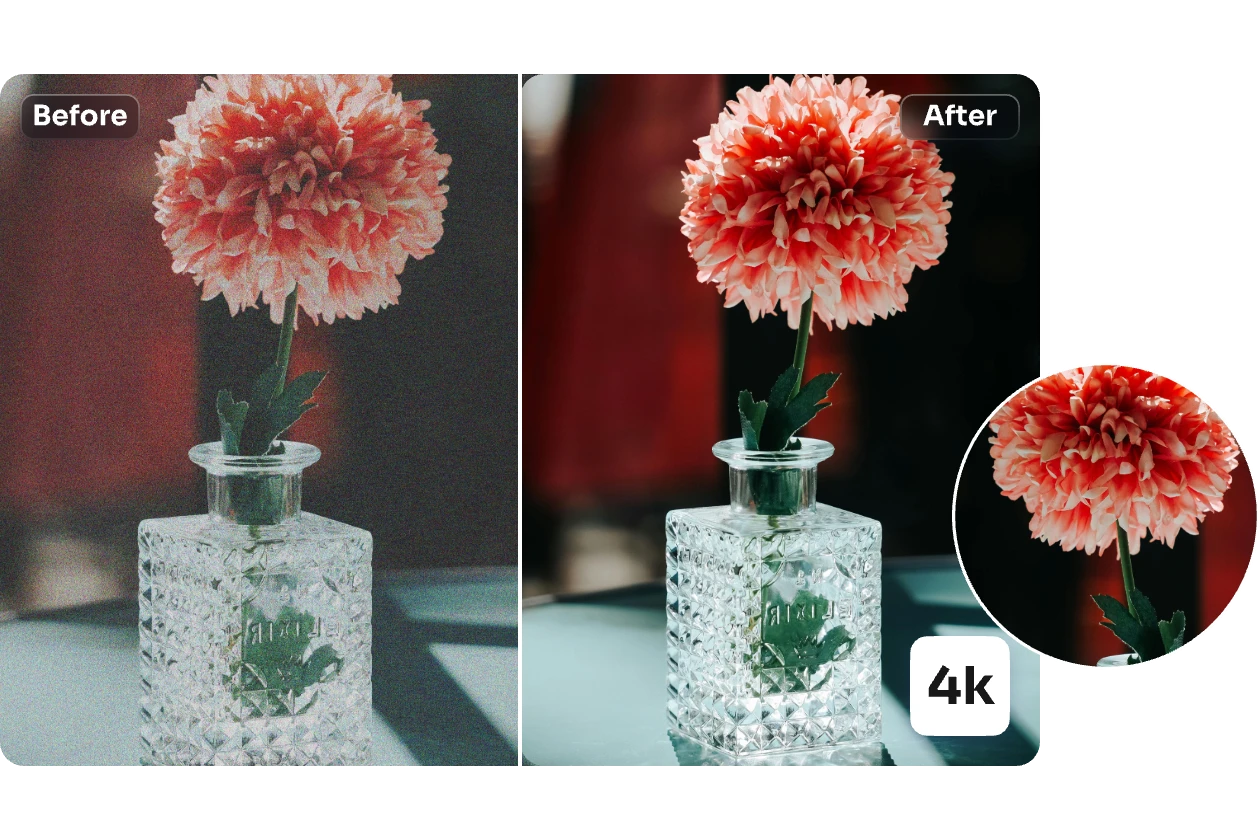
- Intelligent DenoisingCleans up compression noise and blocks while preserving the integrity of edges and brand logos.
Why Choose AI Photo Upscaler
Higher clarity, natural textures, fast batch processing, reliable face recovery and brand protection.
How to Use AI Photo Upscaler
Follow these four simple steps to enhance and resize your images using the AI Photo Upscaler — perfect for web display or print projects.
Advanced Features of AI Photo Upscaler
Discover the professional capabilities of our AI Photo Upscaler: it retains fine textures, accurate colors, and brand elements while eliminating noise and compression artifacts.
High-Fidelity Enlargement
Reconstructs fine detail and edge sharpness so upscaled images look crisp on screen and in print.
Texture Recovery
Recovers skin, fabric and surface textures without creating waxy artifacts.
Face Refinement
Naturally enhances facial detail like eyes and hair while preserving identity.
Artifact Removal
Removes JPEG blockiness, ringing and compression noise while keeping detail intact.
Color & Tone Balance
Preserves natural contrast and vibrancy without oversaturation.
Fast Batch Queue
Process multiple images efficiently for production and e-commerce workflows.
Common Questions About AI Photo Upscaler
Get clear answers about the AI Photo Upscaler, including how it works, what it improves, and best practices for the best results.
What does AI Photo Upscaler do?
It enlarges images while restoring clarity: sharpening edges, recovering texture, reducing noise and removing artifacts.
Why choose this upscaler?
AI Photo Upscaler balances enhancement and natural detail preservation so results look realistic, not over-processed.
What can be improved?
Faces, logos, UI elements, textures, product labels, compressed photos and scanned artwork benefit most from upscaling.
How long does it take?
Most upscales complete within a minute depending on image size and chosen scale.
Will it preserve identity and branding?
Yes — AI Photo Upscaler refines faces and typography while keeping brand edges and identity intact.
Is commercial use allowed?
Yes, use of upscaled images is allowed subject to your subscription and original asset rights.
Enhance Images Now with AI Image Upscaler
Instantly sharpen detail, clean up noise, and upscale your photos for print or product use in just a few seconds.